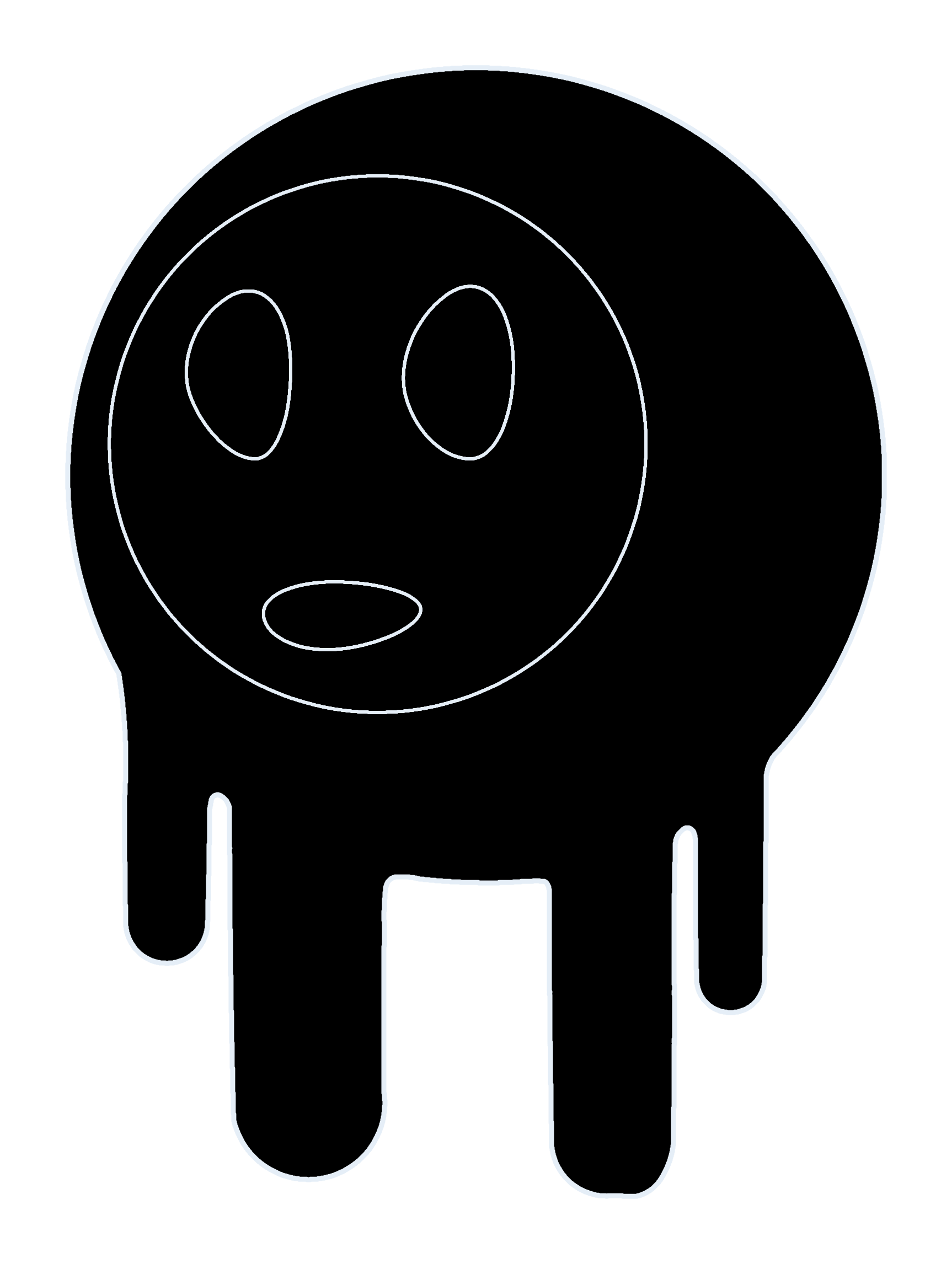
About this tab: Pin — edit the home SVG in the widget, then inject or save. Read the tour below.
Pin Widget
What you can do
- Inject to Home swaps the main Errl SVG to match what the widget is showing (fast preview of your edit).
- Save SVG keeps a copy in this browser; it loads the next time you return.
- Reset Default restores the built-in Errl art.
- Open Larger View opens a bigger editor if the small panel is hard to use.
Inject = live update now. Save = keep this style for later. Reset = restore stock Errl.
Tip: Inject to preview quickly, then Save when you like it.
About this tab: GL Particles — WebGL dots behind the scene. Hue → Target "Particles" tints this layer.
GL Particles (background)
Deep background particle layers (WebGL) behind the scene—separate from the Rising Bubbles (RB) canvas. Speed = travel; Density = more/fewer dots; Alpha = how visible. Use the Hue tab with Target "Particles" to recolor. Randomize re-rolls all three; WebGL can take a second to spin up the first time.
Burst
Short impulse on the GL background bubbles. Uses WebGL.
About this tab: Heads-up — panel size, burst, presets, then audio, accessibility, and scene tint in sections below. Read top to bottom.
Panel size
M
Preset Scenes
No preset applied yet.
My presets (3 slots)
About this section: Scene tint — quick mood grades on the WebGL stack (Errl and FX).
Scene tint (WebGL)
Subtle color grade on the WebGL layer. Heavier when GL overlay is on.
About this tab: Developer — admin flags, export/snapshot, save defaults, and session logs. Use Reset defaults if the phone looks wrong.
Portal (admin)
Preview the Design entry when the route is not ready. Off by default.
Developer Tools
Snapshot = portable HTML/CSS/JS. PNG = screenshot. Export/Import Settings = full settings bundle (local).
HTML/CSS/JS
(stored in local)
Developer Logs
Tab reset